How SlackToNotion Works
A simple, intentional workflow to keep your product backlog clean and organized.
Install & Onboard
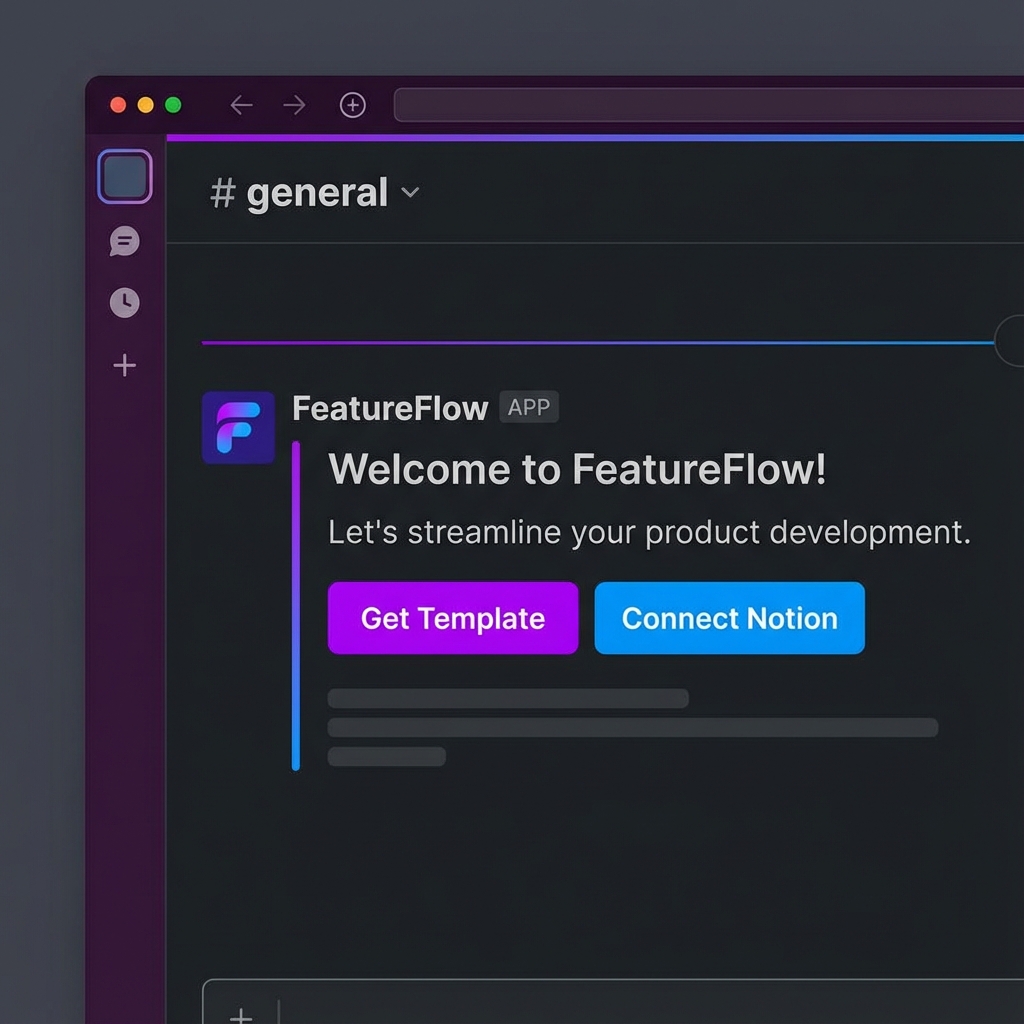
Add SlackToNotion to your Slack workspace. You'll receive a welcome message in your Messages tab with two quick steps: duplicate our Notion template and connect your workspace.
- One-click Slack installation
- Guided onboarding message
Connect Notion
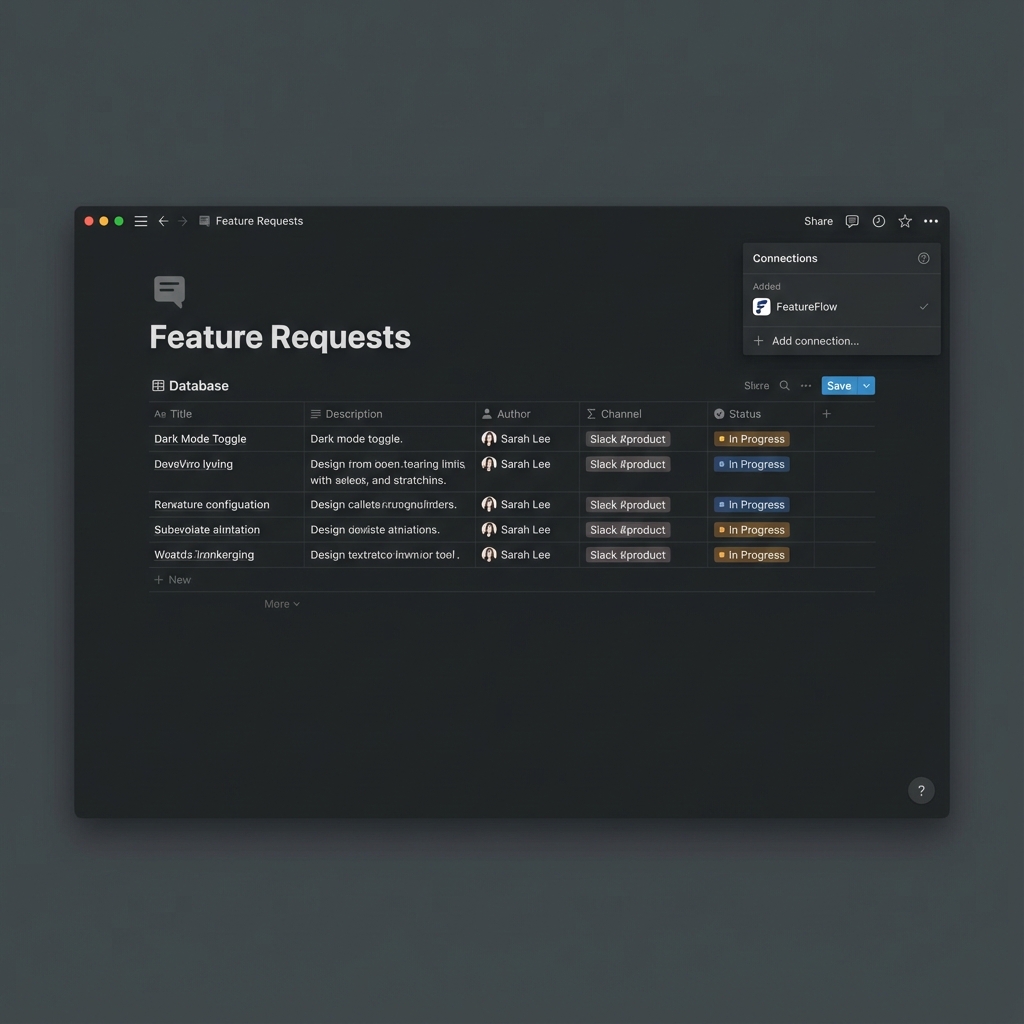
Duplicate our optimized Notion template to your workspace. Then, authorize SlackToNotion to access your Notion. You can pick exactly which database you want to use.
- Optimized Notion template provided
- Secure OAuth connection
Capture Feedback
When a valuable feature request or bug report appears in Slack, simply click the "More actions" menu on the message and select "Save as Feature Request".
Intentional Capture
No automatic noise. You decide what's worth saving.
Full Context
We capture the message, author, channel, and a permalink back to Slack.
Review in Notion
Your feature requests are now safely stored in Notion. Review them with your team, assign priorities, and turn feedback into your product roadmap.
Get Started NowReady to stop losing feedback?
Join founders and product managers who use SlackToNotion to stay organized.
